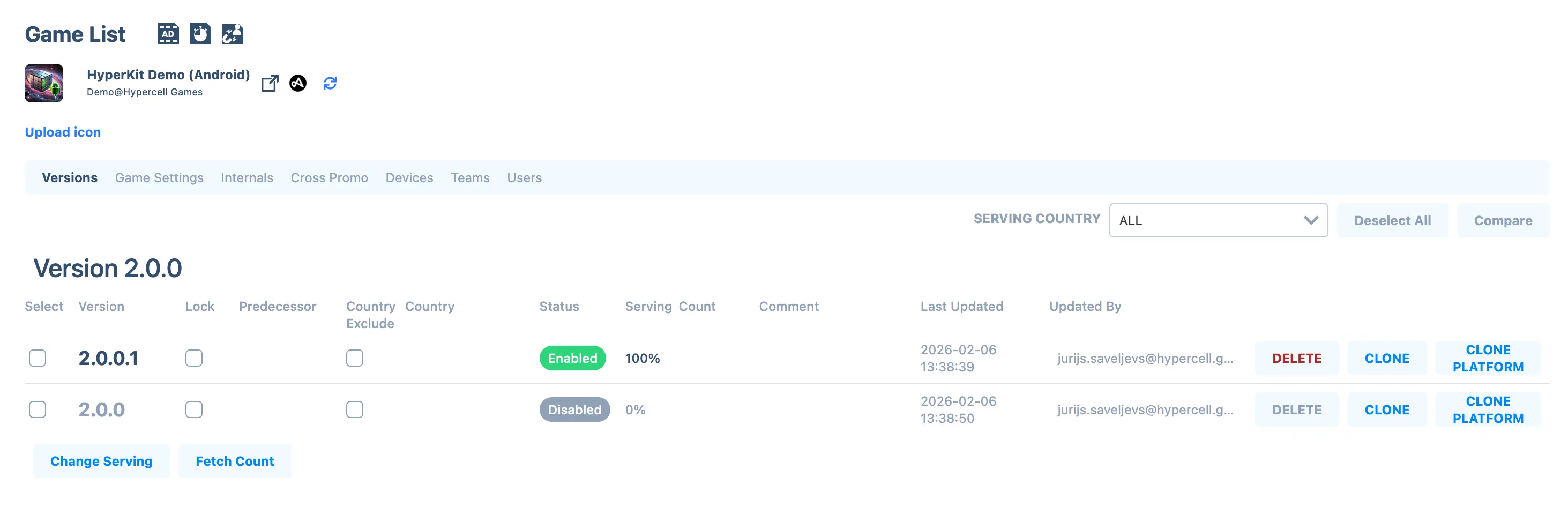
Prepare for new Release
Our analytics system assigns each user a configuration variant when they first open the app after installation or an update. This variant stays the same for as long as they use that version of the app.
This system helps teams:
- Keep the user experience consistent: Every user gets the same configuration for their entire app version.
- Work offline: Apps include default configurations that function even when the server is down.
Each configuration variant is identified by adding a suffix to the base app version number. For instance, if your base version is 1.0.0, the first variant becomes 1.0.0.1 (this is created automatically alongside the base version).
Register a new game version
Section titled “Register a new game version”-
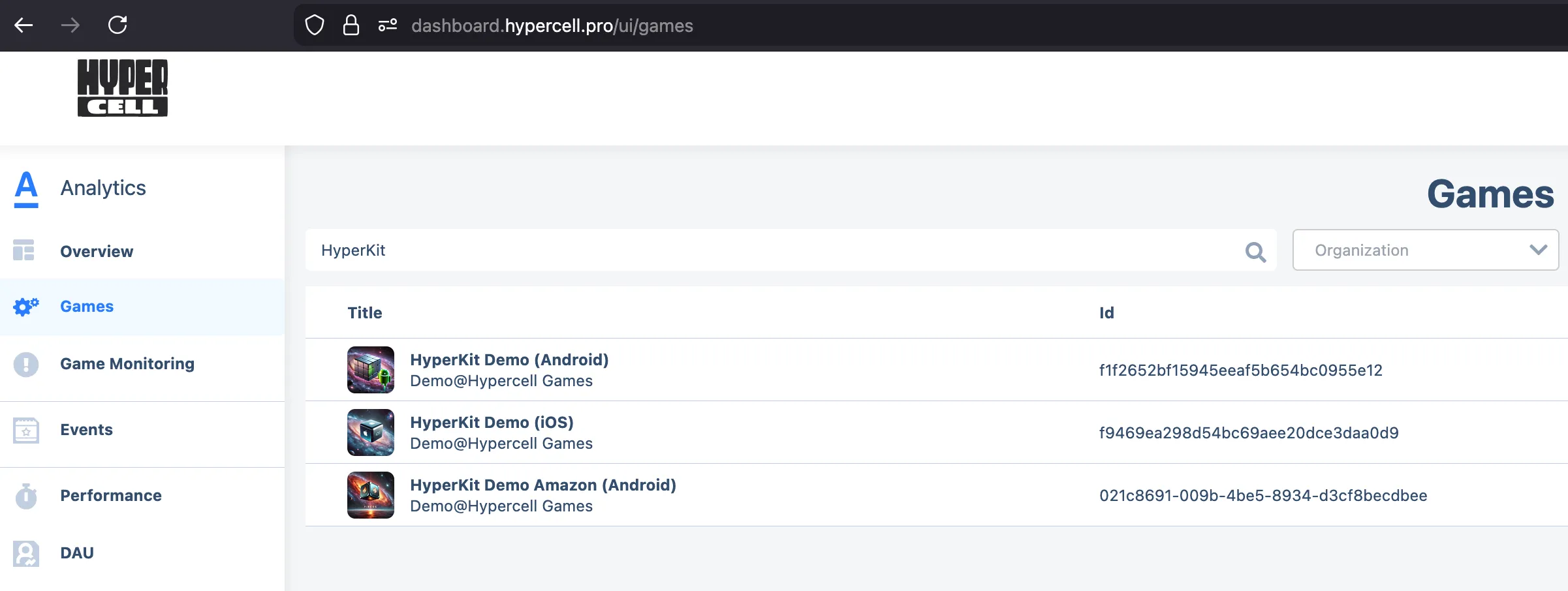
Go to the Games list and select your game (https://dashboard.hypercell.pro/ui/games)
-
Find the most recent app version you want to build upon (or use 1.0.0 as the starting point) and click Clone

-
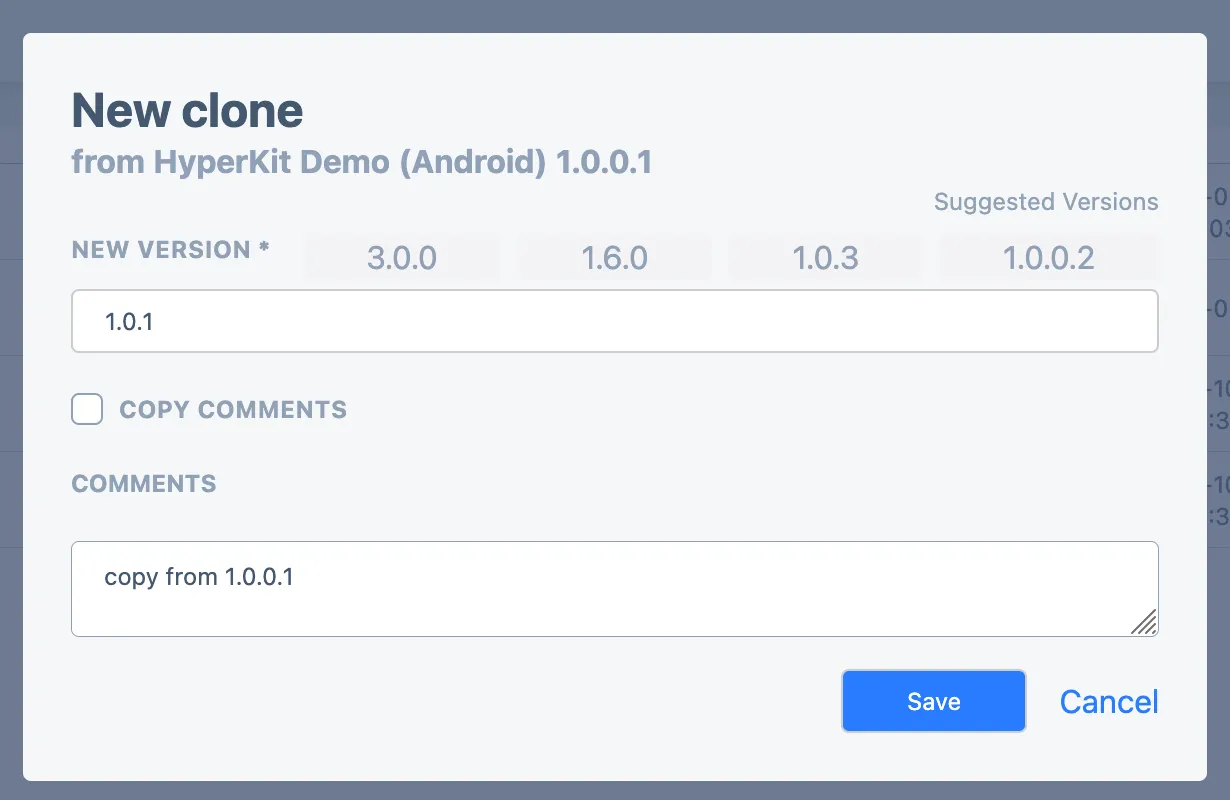
Type in your new version number (for example, 1.0.1 or 2.0.0)
-
Your new version is now ready to use in your game